
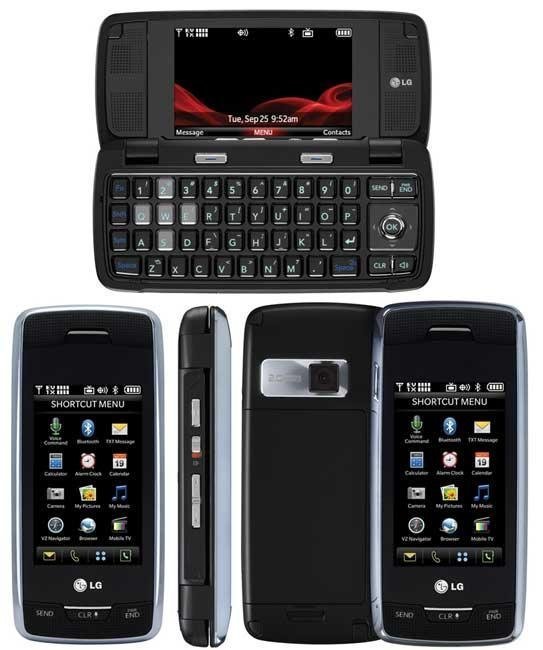
How do you play music on the LG Voyager VX-10000?
I have a verizon voyager x10000. when try to play music, it says there is no application. what I can do? can someone help?
- 1 answer
- Answer this question

Perhaps you need to download the drives from the CD (only the drivers and not the Rapsody) and use the following steps:
1. This will ERASE EVEYRTHING currently on the card.
Menu - Settings and tools - Memory - Card memory - Options - Format
2. Install the USB drivers from the phone CD
3. Connect the phone to the computer with the USB cable
4. On the phone do: Menu - Settings and Tools - Tools - USB mass storage
A window should pop up on the computer
Open files to view
If not:
- Click on My Computer
- Choose the phone (Removable Disk x: )
5. Put your music in the my_music folder
Answer source and full discussion you can find here:
http://cellphoneforums.net/lg-voyager/t287444-lg-voyager-vx-10000-will-not-accept-mp3-format-files.html