Note: We may earn commissions (at no cost to you) if you buy through links on our site.
Learn more.

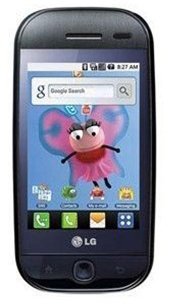
How do you transfer contacts from the LG Eve GW620 to the Yada Rearview Mirror Speakerphone?
- 1 answer
- Answer this question

The Yada Rearview Mirror Speakerphone supports single contact or group contacts transfer via OPP function. To transfer the Phonebook from your mobile phone via OPP:
• Disconnect Bluetooth link from the YD-V43 setting (if it is connected)
• Setup mobile phone to transfer contacts from the mobile phone to your YD-V43
- Turn on your phone's Bluetooth
- Choose the contacts you want to transfer
- Press Options, select Send
- Once the Yada Rearview Mirror Speakerphone has been discovered by your phone, press Ok.