
What software to download to take pictures off the Motorola Quench and into the computer?
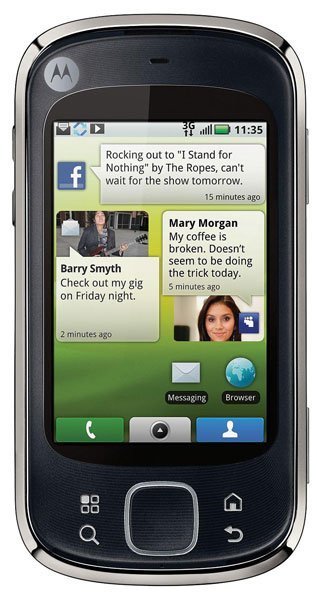 Motorola Quench
- 2 answers
- Answer this question


There's no need to use a software, just connect your phone to the computer with a USB cable.
1. With a memory card inserted, and your phone showing the home screen, connect a Motorola micro USB data cable from your phone’s micro USB port to a USB port on your computer.
2. Touch USB Drive to connect your memory card to your PC. You can’t use the files on your memory card while it is connected.
3. On your computer, use the “My Computer” window to find “Removable Disk”.
4. Click on the “Removable Disk” icon to access the memory card.
5. Drag and drop your pictures, videos, music, ringtones, and more, to your phone folder. To help manage your files, you can create more folders in your phone folder.
6. When you’re done, use the “Safely Remove Hardware” feature to finish.