
How to set the Samsung Vice to ring for incoming calls?
I took over my son's Samsung Vice this week and it works fine but it doesn't ring when calls are incoming. He used it on vibrate only and I am trying to switch it over. Any idea why this won't work?

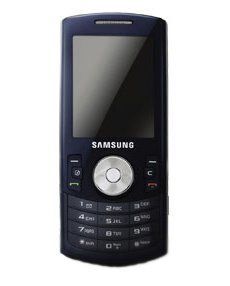
- 1 answer
- Answer this question

To select Ringer Types for Voice Calls:
1. Activate the main menu, highlight the Ringers menu, and press Ok.
2. Select Ringer Settings.
3. Select Ringer Type.
4. Select Voice Calls.
5. Select With Caller ID or No Caller ID.
6. Use the navigation keys to select:
Ring Tones - include a variety of standard ringer types.
Melodies - include a variety of musical melodies.
My Downloads - include all the ringtones you have previously downloaded.
My Video - includes videos you have recorded and can be used for playback.
7. Use the navigation keys to select the desired Ringer.
8. Press Ok to save and exit.