Note: We may earn commissions (at no cost to you) if you buy through links on our site.
Learn more.

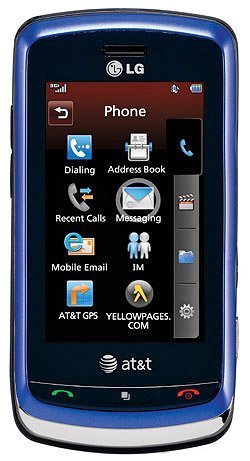
How to use numbers and symbols and where is the shift key on the LG Xenon?
I need to know how to change the keypad to numbers & symbols, where is the shift key as well?
- 1 answer
- Answer this question

Using your phone's touch screen, you can change the text input mode by touching abc/123. Text input mode will change to Symbol mode, ABC mode and 123 mode (numbers). If you're using the Qwerty keypad, press "Fn" to enter numbers and "Sym" for symbols on the text entry field. More information can be found on page 18 to 21 of the user manual. If you don't have the manual yet, you can download it here in our website from the LG Xenon product page.