Note: We may earn commissions (at no cost to you) if you buy through links on our site.
Learn more.

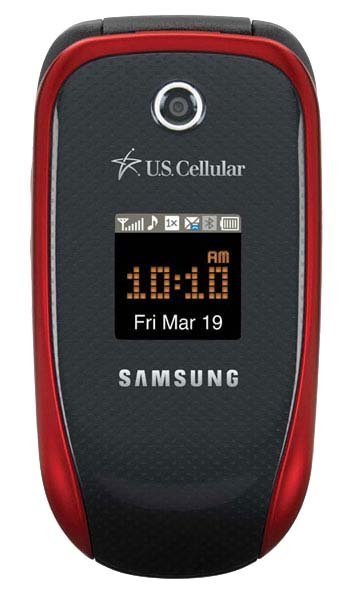
How to sync the Samsung Stride R330 with a Bluetooth hands-free device?

- 2 answers
- Answer this question


To pair your phone with another Bluetooth device:
1. Press Menu.
2. Select Bluetooth.
3. Select Trusted Devices.
4. If no devices are currently listed, select Add New. If a device is listed, press the Left Softkey for Add New.
5. Select and choose Search. Your phone displays a list of discovered in-range Bluetooth devices.
6. Select the device you wish to pair with and press the Left Softkey for Add to list.
7. Enter the passkey and press Ok. The default passkey is 0000.
8. The name of the Bluetooth device is displayed. Press the Left Softkey for Done.
9. Highlight the device and press the Left Softkey for Connect.
"Connecting Successful" will display if the device is connected properly.