Note: We may earn commissions (at no cost to you) if you buy through links on our site.
Learn more.

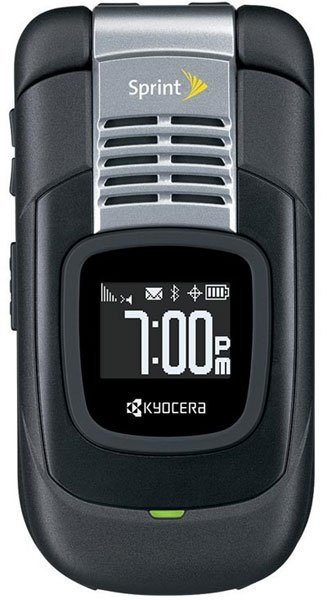
- 1 answer
- Answer this question

1. Press Menu > My Stuff
2. Select Call Tones
3. The browser will start and take you to the corresponding download menu
4. From the download menu you can get new ringtones, games, screensaver & applications.