Note: We may earn commissions (at no cost to you) if you buy through links on our site.
Learn more.

How do you set up voice mail on the BlackBerry Pearl 8100?

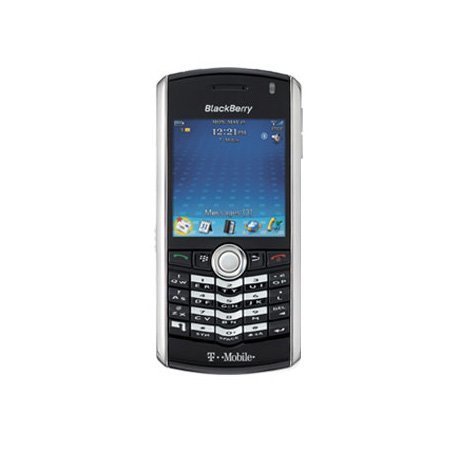
- 1 answer
- Answer this question

To set up your voicemail:
1. In the phone, press the Menu key
2. Click Options
3. Click Voice Mail
4. Type the voice mail access number and a password
5. Press the Menu key
6. Click Save
Note: If your SIM card is set up for voice mail, the voice mail access number might already be available. Contact your wireless service provider for more information about voice mail for your SIM card.