Note: We may earn commissions (at no cost to you) if you buy through links on our site.
Learn more.

How to add contacts on the Samsung m530??
HOW DO I ADD TO MY CALLERS [email protected]?

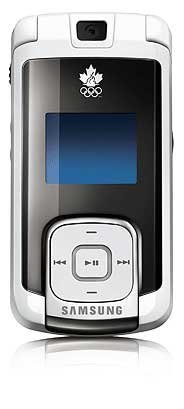
- 1 answer
- Answer this question

To add a new contact:
1. Enter a new phone number and press the right softkey for Options.
2. Press Save and select New Entry.
3. Select the Label using the navigation keys (Mobile, Home, Work, Pager,
or Others) and press Menu/Ok.
4. Enter the name using the keypad and press Menu/Ok.
5. Press the left softkey for Done.
More information about Contacts can be found on page 80 to 83 of the user manual. If you don't have the manual yet, you can download it here from the Samsung m530 product page. Just click on the link located on the right hand side of the page.