
How to set voice tags on the Sanyo PRO-700?
Sanyo Pro 700 Have followed instructuins but cannot set voice tag. After selecting contact, then right softkey, there is no "set voive tag" option to pick?

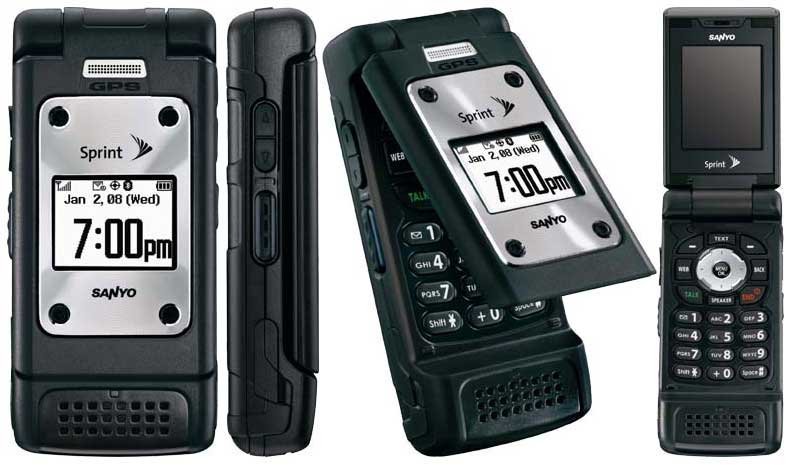
- 1 answer
- Answer this question

Programming Voice Dial Tags
1. Select a Contacts entry to which you would like to add a voice dial tag and press.
2. Select the number you want to assign to the voice dial tag, and then press Options (right softkey) > Set Voice Tag > Add.
3. After you are prompted to say a name to program, wait for the beep and then say the name into the microphone.
4. Repeat the name after the beep, as prompted. (The display shows “Voice Tag Recorded.”)
It looks that you were on the right track. But it's odd that you don't see the "Set Voice Tag" option. I would advise that you visit the store you bought you're phone from to personally ask for assistance.