Note: We may earn commissions (at no cost to you) if you buy through links on our site.
Learn more.

How can you use MP3 as a ringtone on the Motorola RAZR VE20?
I just bought a RAZR VE20 and have been trying to do everything to get a mp3 as my ringtone.
I downloaded some music (mp3) to it to the "music" folder on my memory card, I am able to listen to that music, but when I go to Menu > Settings/Tools > Settings > Sounds > Ringer Type > Voice Calls > With Caller ID > External Memory .... it appear as if there isn't any file.
But if i go to Menu > Settings/Tools > Tools > File Administrator ... I am actually able to see all my music stored on the memory card.
Please if someone can help me, let me know
Thanks
Marco
 Sprint
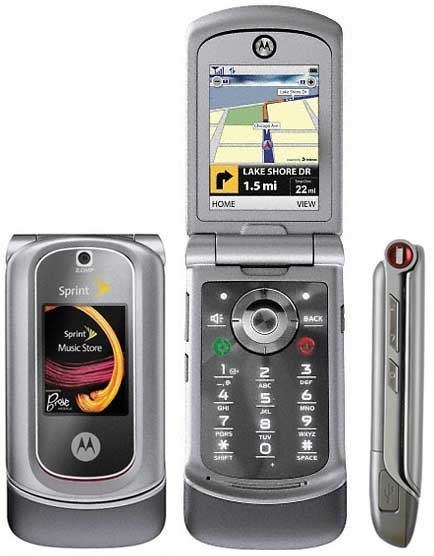 Motorola RAZR VE20