Note: We may earn commissions (at no cost to you) if you buy through links on our site.
Learn more.


- 1 answer
- Answer this question

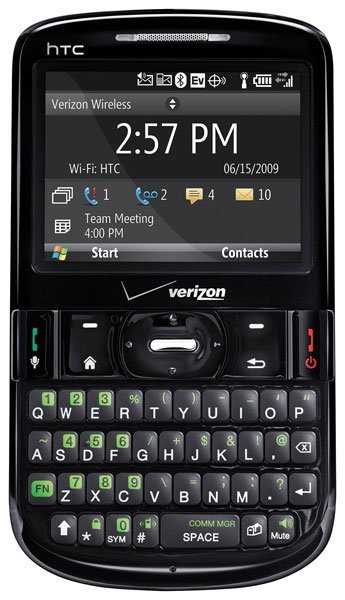
To turn wifi on, go to Start>All Programs>More>More>More>More> Comm Manager. Highlight Wi-Fi and select "Enable".
To turn wifi on, go to Start>All Programs>More>More>More>More> Comm Manager. Highlight Wi-Fi and select "Enable".