
How to transfer pictures from the Alcatel One Touch 890 to computer?
When I connect the USB it keeps asking for a memory card. Alcaatel one touch 890
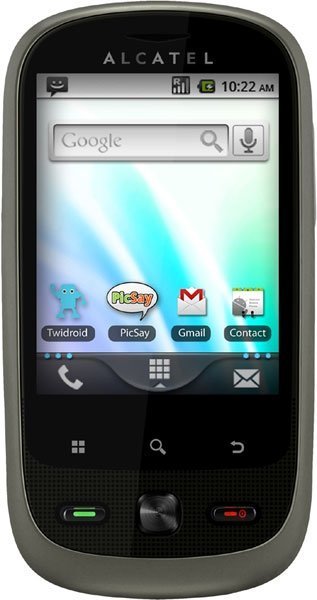
- 3 answers
- Answer this question

how do i transfer photo from my alcatel cell phone to my pc

Shevon, is your memory card working properly? Check if your memory card is working good with the phone. If you see that it's not, you may need to buy a new one.
With the USB cable, you can transfer media files and other files between your phone’s MicroSD card and the computer.
To connect your phone to the computer:
• Use the USB cable that came with your phone to connect the phone to a USB port on your computer. You will receive a notification that the USB is connected.
• Open the Notifications panel and touch USB connected.
• Touch Mount in the dialog that opens to confirm that you want to transfer files.